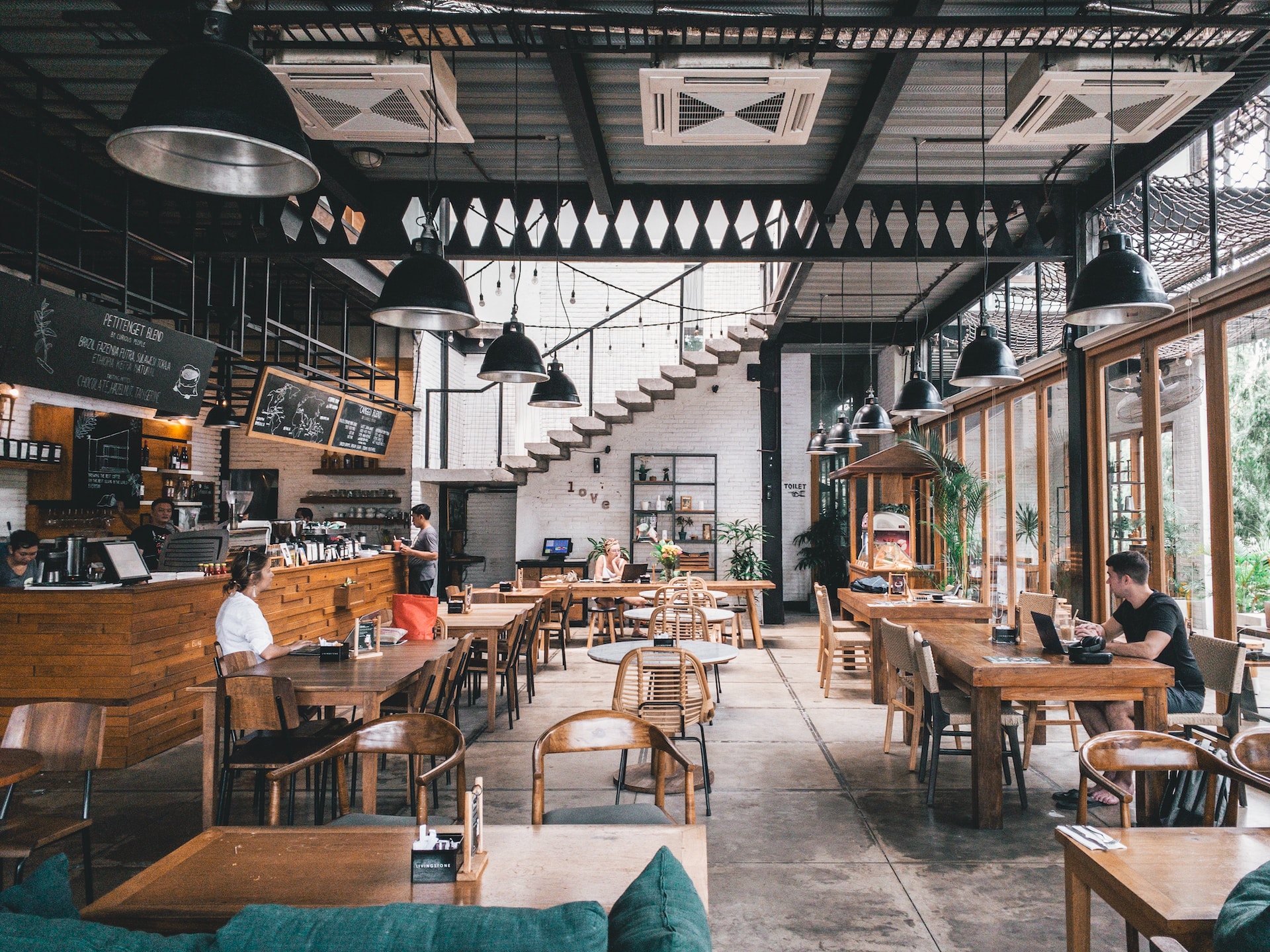
Office 365 set up the way a venue works.
Mail, SharePoint and shared documents configured for shift patterns and multiple sites, with security and backup added on top.
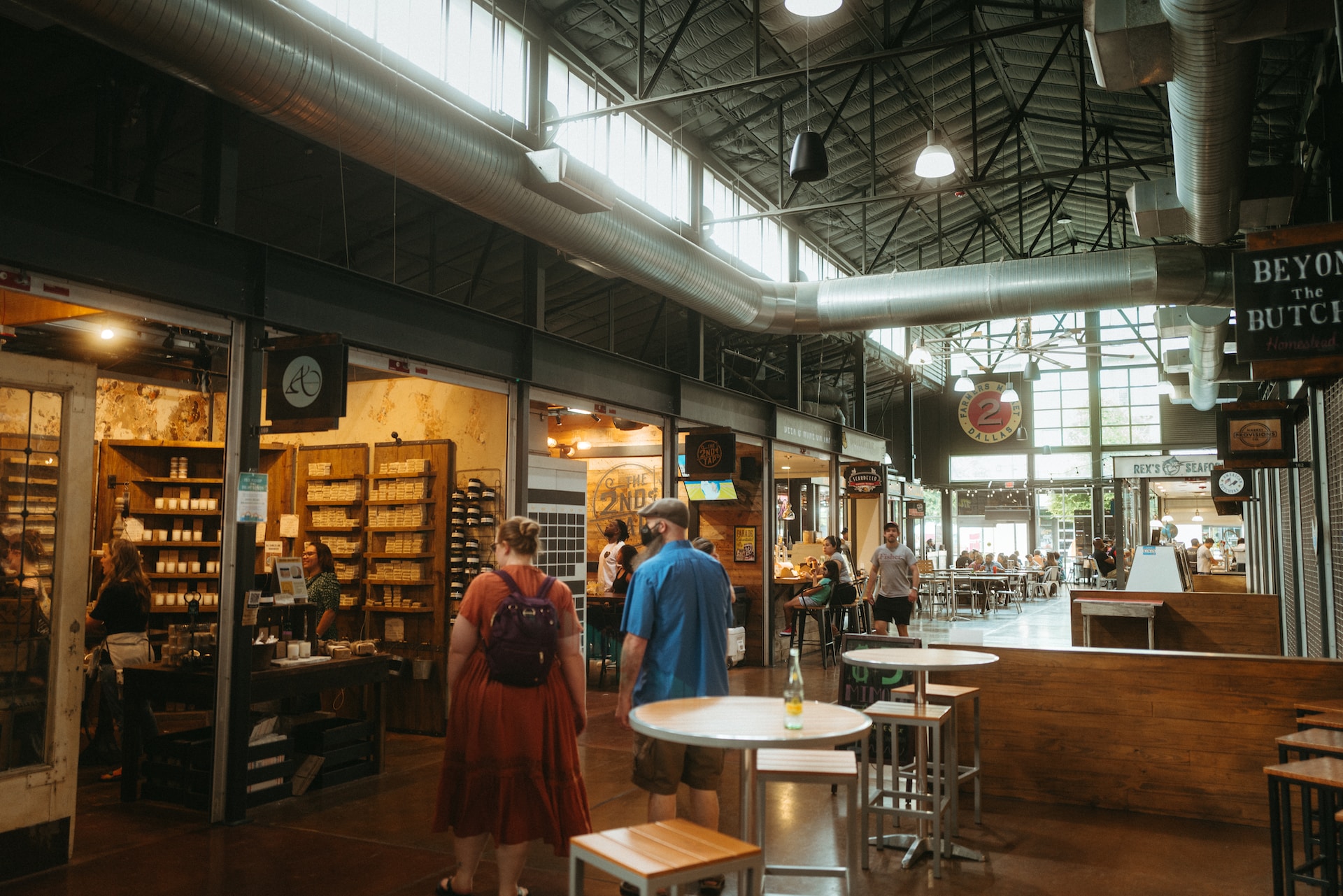
Mail, SharePoint and shared documents configured for shift patterns and multiple sites, with security and backup added on top.
Rotas, recipes and supplier paperwork on one machine, unavailable when it is off or the person is not in.
Accounts left open long after someone has gone, and no record of who has what.
Bookings and enquiries arriving somewhere the whole team can see and nobody is responsible for.
Structured around shift patterns and multiple sites, with security and backup on top.
Document management and an intranet structured by site and role, so people find things.
Accounts provisioned and revoked as staff change, with licences reclaimed.
Vade Secure over the top of Office 365 for phishing and spoofing protection.
Cloud backup for 365 data, because the platform retaining it is not the same as you having a copy.
Tech-to-tech relationships with the POS, payments, reservations and cloud providers our clients run, so integration and escalation happen without you in the middle.